Photographer should
- ✓ Upload to the correct client and event
- ✓ Configure access, expiry and downloads
- ✓ Test the signed-out client view
- ✓ Share only the intended link
The public studio profile presents selected photos, reels, business information and contact options. It is connected to client galleries but is not a full drag-and-drop website builder.
Use it as a focused studio showcase and sharing destination, especially when you want prospective clients to see work before contacting you.
Complete the studio name, logo, bio, address/contact and social links.
Upload only a curated set of portfolio photos and reels.
Customize the public profile and test every contact/direction link.
Share the profile URL or configure a custom domain on an eligible plan.
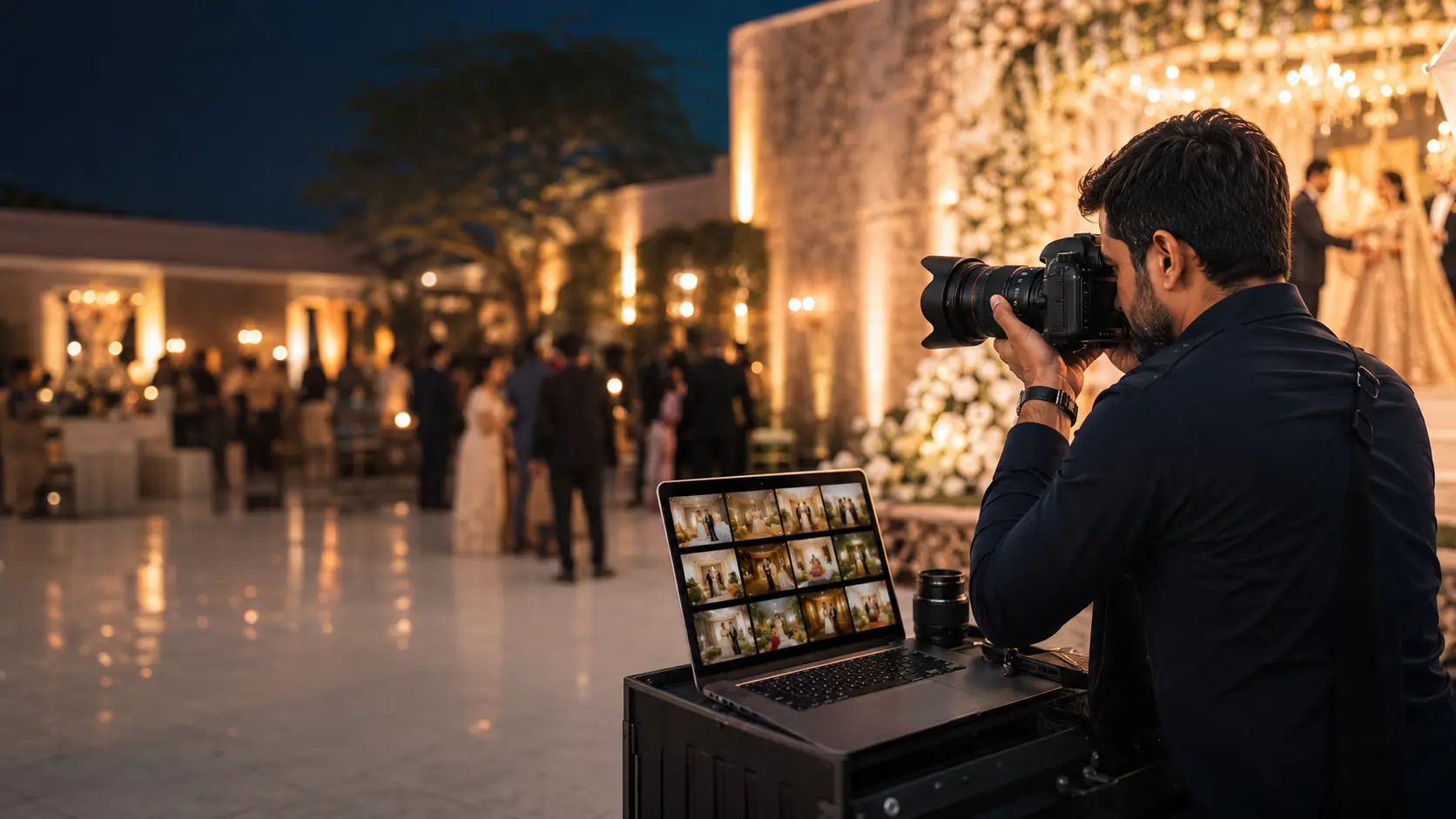
The studio gets one public profile link or eligible custom domain while every client gallery keeps its own separate access setting.
Give prospective clients one page for studio identity and selected portfolio work.
Show approved visual work within the portfolio limits of the active plan.
Let visitors reach the studio through the configured public contact experience.
Eligible professional plans can connect an approved custom domain with automatic verification.
No. It is a focused public studio profile connected to the platform's gallery and delivery workflow.
Custom-domain support is available on eligible plans and requires successful domain verification.
No. Each gallery keeps its own public or private access configuration.