Action 1
Transfer camera photographs into a stable Windows or Android folder.

Live delivery means new photographs can move from a watched event folder into the online client gallery while the shoot continues. The platform does not control the camera shutter; it watches the folder where your transfer workflow places files.
DEVICE Verified
CLIENT Wedding Demo
EVENT Main Ceremony
CAMERA Camera A
MONITORING Running
UPLOAD QUEUE 24 / 24 complete
Use it for weddings or events where clients, guests or organizers need selected photographs before the full job is finished.
Do not begin a paid live event until the test file reaches the correct gallery.
Transfer camera photographs into a stable Windows or Android folder.
In the uploader, verify the device key and enter the exact client and event names.
Add the folder, assign a useful camera name and press Start.
Share the resulting gallery only after testing its privacy and download settings.
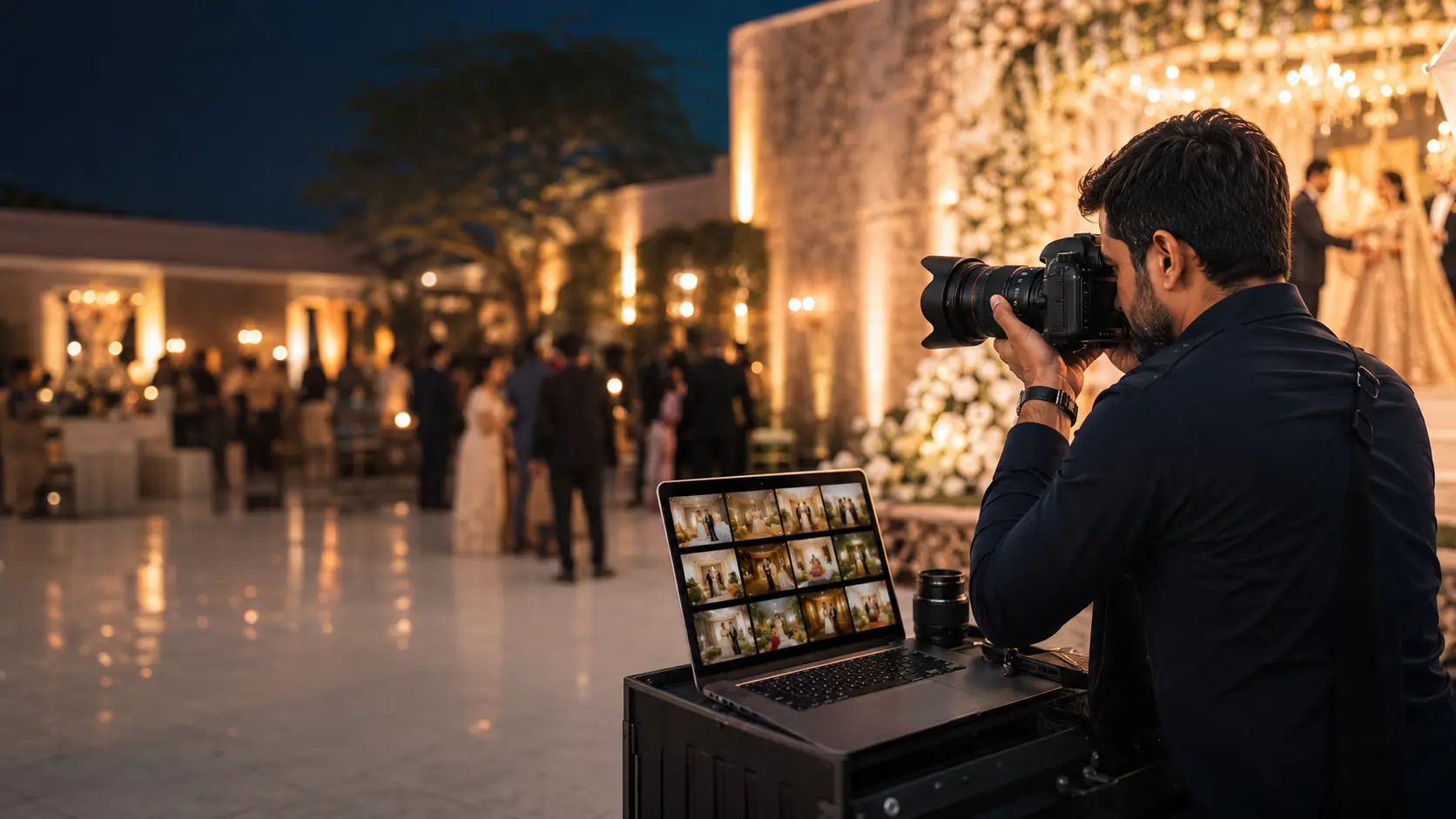
The same shared gallery can receive new photographs during the event, reducing repeated manual uploads and link sharing.
Detect new photos in selected folders and add them to the upload queue.
Temporary connection problems do not require restarting the entire event.
Clients receive one gallery link that can update as the photographer uploads.
Use private access, watermarks and download settings according to the job.
No. The desktop workflow can monitor a folder receiving images from your normal camera-transfer setup.
The uploader tracks work and uses retry handling so temporary interruptions are easier to recover from.
Yes. A gallery can use controlled private access before clients view its content.