Action 1
Agree on short unique camera names before shooting, such as A, B or photographer initials.

Multi-camera upload keeps photographs from several cameras or shooters identifiable while sending them into the same client event.
DEVICE Verified
CLIENT Wedding Demo
EVENT Main Ceremony
CAMERA Camera A
MONITORING Running
UPLOAD QUEUE 24 / 24 complete
Use it for large weddings and events where two or more sources would otherwise create duplicate filenames or mixed folders.
Do not begin a paid live event until the test file reaches the correct gallery.
Agree on short unique camera names before shooting, such as A, B or photographer initials.
Create one uploader key for each computer or Android device—not each client.
Map every watched folder to the correct camera name and event.
Upload a test from every source and confirm the resulting filenames before live work.
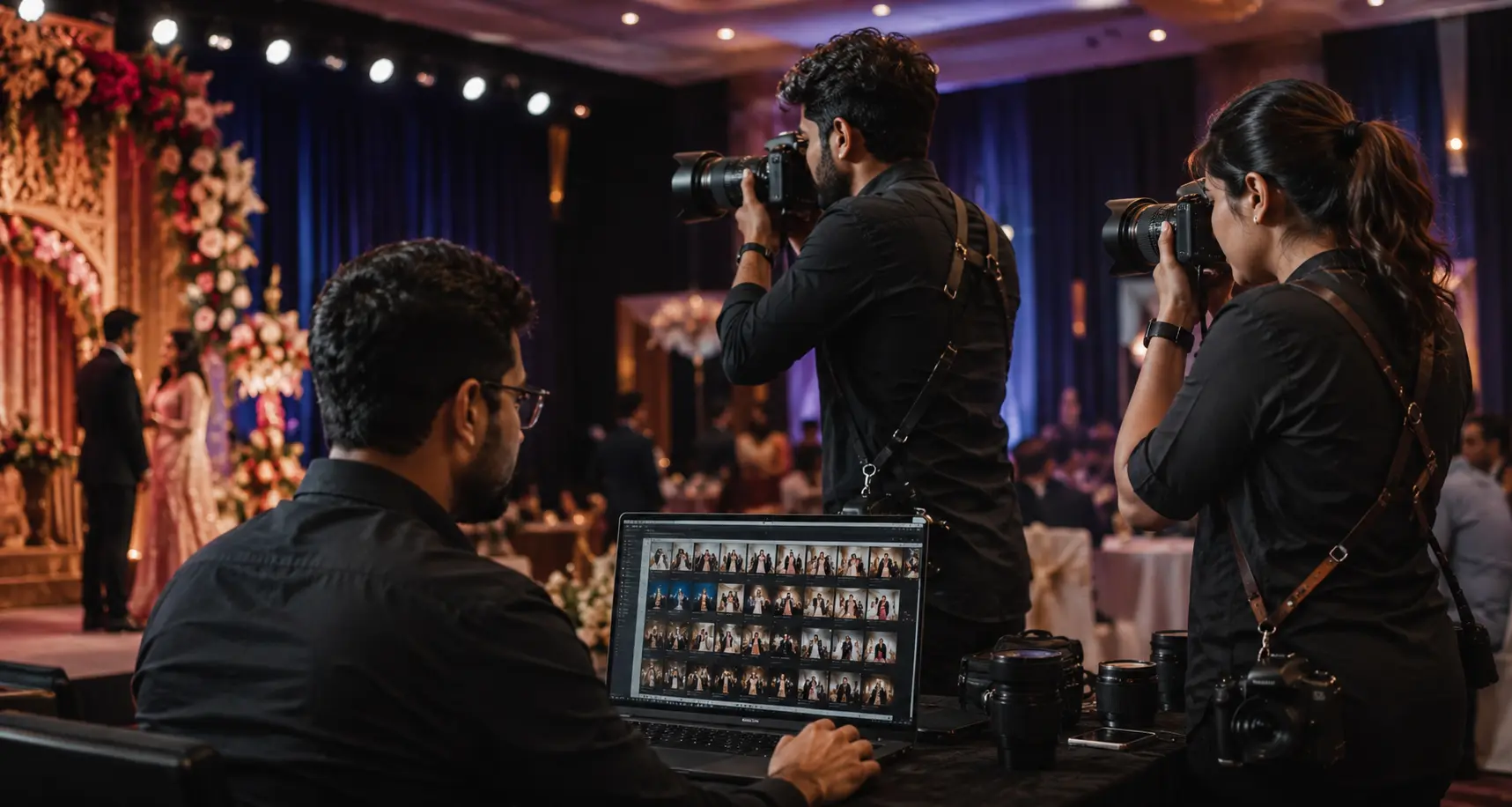
The gallery stays attached to one event while filenames and camera labels make source handling easier for the studio.
Watch approved sources without combining every photographer's local folder first.
Retain useful source identification when photographs enter the server workflow.
Use plan-eligible devices according to the size of the photography team.
Deliver organized event collections under the correct client gallery.
No. Separate folders can be used, with camera identification helping organize the resulting filenames.
Yes. Use a separate uploader access key for each approved device; the detailed use is already explained in Uploader & Devices and uploader guides.
Device capacity depends on the active subscription plan shown on the pricing page.