Action 1
Download the current APK only from the official uploader page.

The Android uploader sends photographs from selected phone-accessible folders into the same client and event system used by desktop uploads.
DEVICE Verified
CLIENT Wedding Demo
EVENT Main Ceremony
CAMERA Camera A
MONITORING Running
UPLOAD QUEUE 24 / 24 complete
Use it when camera photographs are transferred to an Android phone or tablet and carrying a Windows computer is impractical.
Do not begin a paid live event until the test file reaches the correct gallery.
Download the current APK only from the official uploader page.
Create a separate device key in Uploader & Devices and verify it in the app.
Enter the client and event carefully, then grant only the required folder permissions.
Select folders, start the required upload mode and keep the app/network available until the queue finishes.
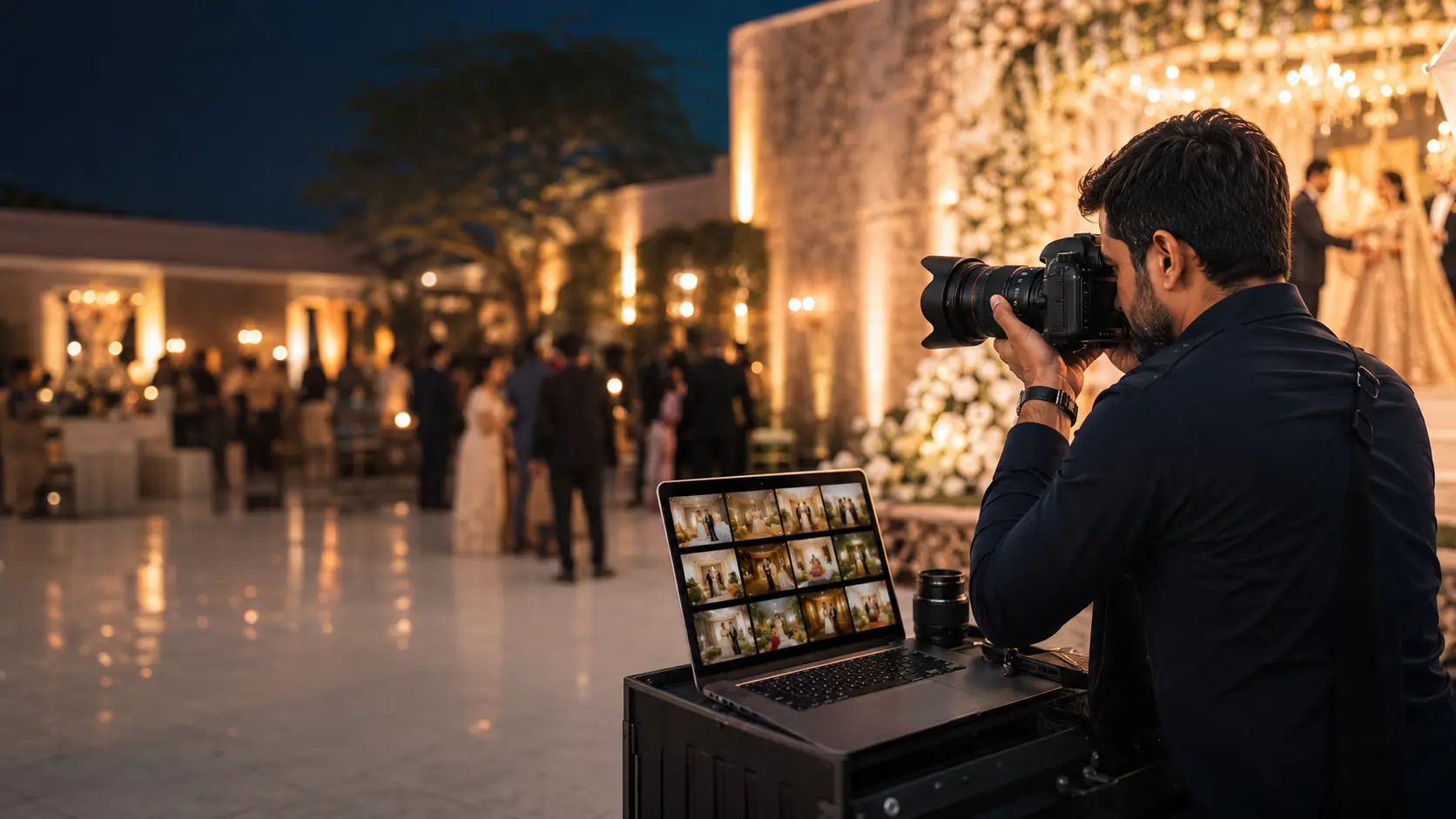
The mobile device becomes an approved upload source while the photographer keeps galleries organized by client and event.
Start a delivery workflow without depending on a full desktop workstation.
Verify an uploader key before sending content into the account.
Choose event folders and keep client and event naming organized.
Follow upload work and continue more reliably through mobile network changes.
The current early-access package is distributed from the official website; verify the displayed release information before installing.
Yes. Both uploader options connect to the studio's client and event workflow.
Yes. The delivery platform should not be the studio's only archive or backup.